Product
Grow Online Discovery
Websites
Local SEO
Direct cremation
Grow Support
Online store
Online estimator
Trade store
Grow Community
Obituaries
Campaigns
Coming soon
Family portal
Coming soon
How Omega Funerals reached 3rd on Google
How it works
Company
About us
Contact
Resources
Learn
Customer stories
Articles
Free health report
Compare
WordPress
Yell
Marketing companies
Comparison sites
Obituary websites
Get your free health report
Get a free redesign
Get a free redesign
Get a free redesign
Get a free redesign
Be the funeral director local families find first
Get more local search traffic. Dedicated branch pages help families find you; Google reporting shows which searches bring them in.
Get a free redesign
Get a free redesign
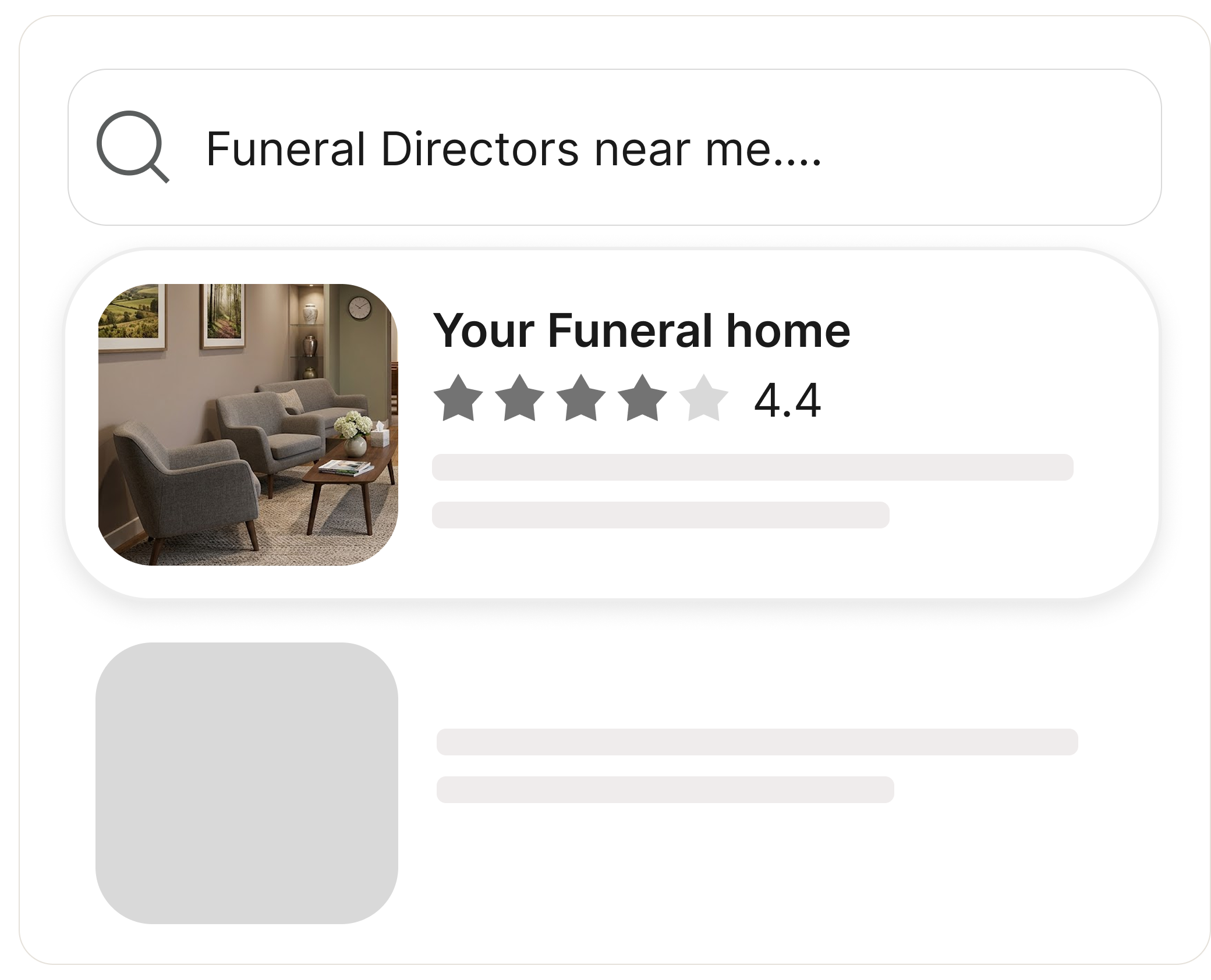
Found on Google.
Trusted when families arrive.
Built for local search
Reach nearby families with a page for every branch, built around local funeral searches.
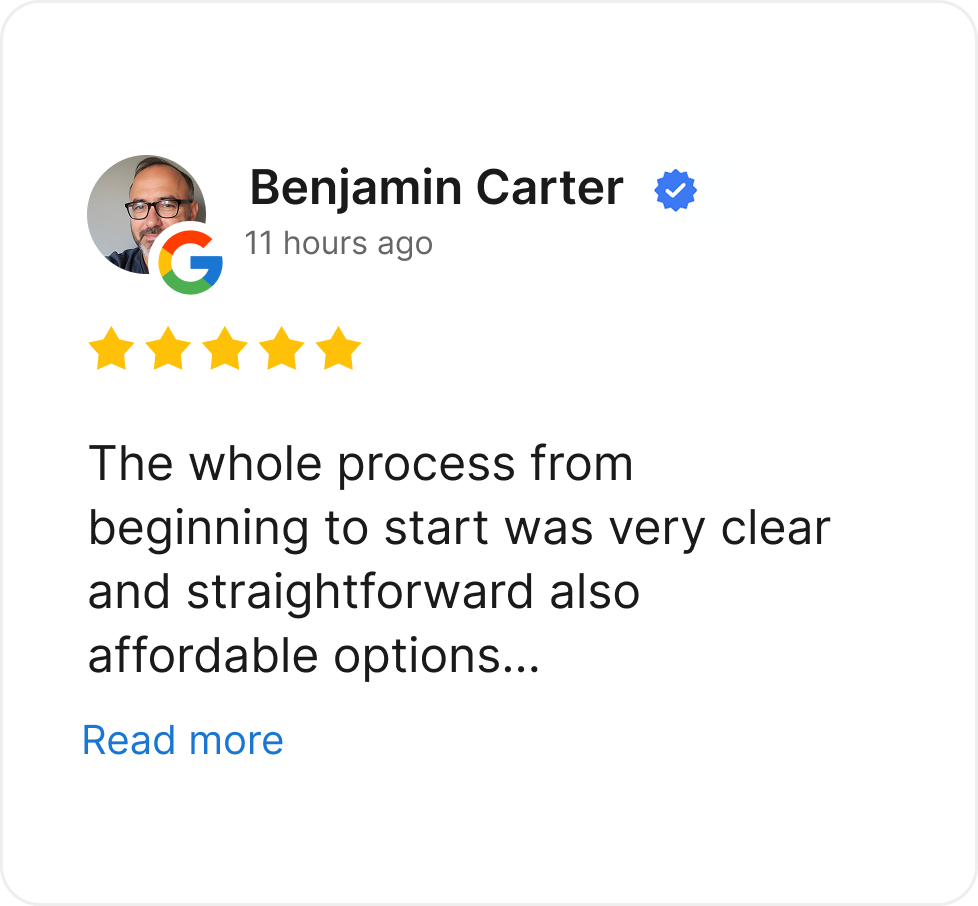
Google reviews in one place
See new Google reviews in one dashboard and show them on your digital branch to build trust.
Easy to use on a phone
Turn mobile visits into enquiries. Make prices, branch details and contact information easy to find.
Here’s how it works
Connect Google in a few clicks
Connecting is optional, and you can disconnect at any time.
Step 1
Connect your Google account
Link your Google Business Profile and Search Console to FuneralBranch.
Step 2
See how families find you
Your dashboard shows your reviews, profile performance and the searches that bring families to your website.
Step 3
Ask us for advice
We suggest what to improve next, and you decide what to change.
Questions about funeral home SEO
What does FuneralBranch see in my Google account?
Only the Business Profile and Search Console information you choose to connect, so we can show your reviews and search performance in your dashboard.
Will FuneralBranch post or reply on Google for me?
No. The integration does not publish review replies, edit your profile, create posts or upload photos.
Can we disconnect Google later?
Yes. You can disconnect at any time without closing your FuneralBranch account.
See how your funeral home shows up on Google
Free website review.
Find opportunities to improve your local search presence.
Get my free review
Get my free review
Book a demo.
See your Google reviews, search traffic and branch performance in one dashboard.
Book a demo
Book a demo









.jpg)

.jpg)